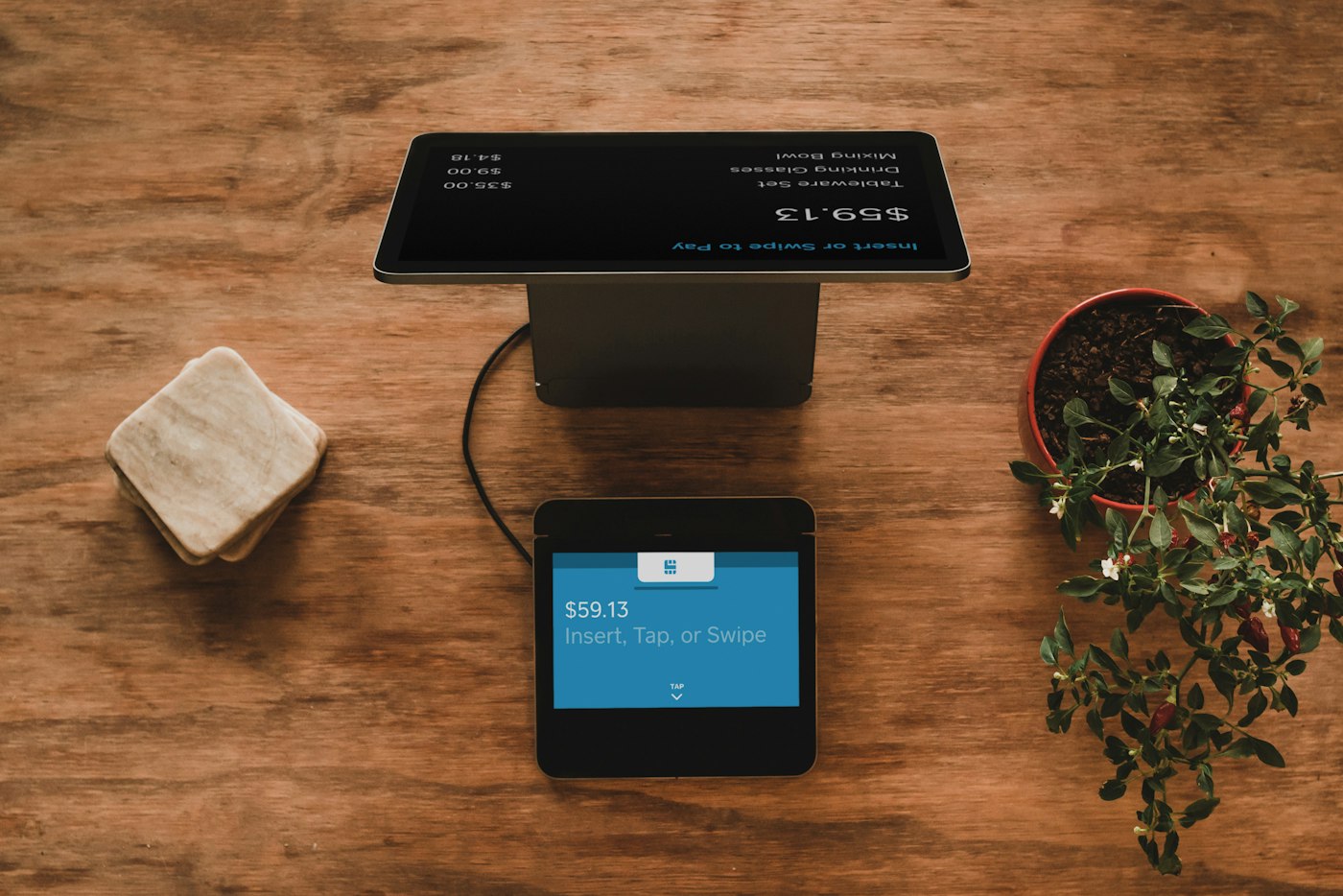
A point-of-sale system is the heartbeat of any retail or service business. Every sale flows through it. Every customer interaction is shaped by how fast, how reliable, and how intuitive it is. If the POS is clunky or slow, it frustrates staff, frustrates customers, and quietly costs the business money in the form of longer transaction times, missed sales, and errors.
The Zacnos Inventory POS was designed from the ground up to be none of those things. This article takes you inside every feature of the POS, explaining what it does and why it was built the way it was.

The Product Grid: Fast, Visual, and Always Updated
When you open the POS, the first thing you see is the product grid. Every product in your inventory that is currently in stock appears as a clickable card. Out-of-stock products are visually marked as unavailable, so staff do not accidentally try to sell something that is not there.
The grid updates in real time. When a sale is completed and stock levels drop, the change is reflected immediately across all logged-in sessions. If you have a worker processing sales on one device while you monitor from another, both screens show the same accurate data.
Products can be searched by name at the top of the screen, which is useful when the catalog is large and the specific item is faster to find by typing than by scrolling. There is also a barcode scanner integration, allowing staff to scan a product's barcode and have it automatically added to the cart without any manual searching.
The Cart: Flexible, Controlled, and Fast
Adding a product to the cart is a single click. From there, the cart on the right side of the screen shows every item in the current sale, with controls to:
- Increase or decrease the quantity
- Type in a specific quantity directly
- Add a per-item discount in currency value
- Remove an item entirely
Per-item discounts are a feature that many POS systems reserve for managers with override codes. In Zacnos Inventory, they are available directly in the cart interface because the reality of retail is that discounts happen constantly, whether through negotiation with a customer or a deliberate promotion. Making staff jump through administrative hoops to apply a discount slows down every sale.
The cart also shows a running total that updates with every change, including discounts and any applicable tax. There is no ambiguity about what the customer will be charged before the transaction is finalised.

Payment Methods: Meeting Every Customer Where They Are
One of the most important realities of running a business in today's market is that customers pay in different ways. Some prefer cash. Others prefer bank transfers. Younger customers increasingly want to pay by card or QR code. A POS that only accepts one payment method is not a POS, it is a bottleneck.
Zacnos Inventory supports the following payment methods:
- Cash: the classic option, with the sale recorded as a cash transaction
- Bank Transfer: for customers who send money directly to the business account
- Card: for businesses with card payment terminals
- QR Code: a digital payment option where the customer scans a code to pay via Paystack or Flutterwave
- Credit (Owe): for trusted customers who are buying on account and will pay later
Each payment method is logged accurately in the sales history, so business owners can see exactly how much of their revenue came from each channel. This breakdown is useful for understanding cash flow, managing float, and making decisions about whether to invest in card payment infrastructure.
QR Code Payments: The Future, Available Now
The QR payment system in Zacnos Inventory deserves its own explanation because it is both a newer feature and one that many business owners have questions about. Here is how it works:
When the QR Code payment method is selected in the POS, the system generates a dynamic QR code tied to the exact amount of that sale. The customer scans the code with their bank app or a payment app, and the payment is processed directly to the business's configured payment gateway. The transaction is confirmed, and the sale is recorded in the system.
This is particularly useful for businesses that want to reduce cash handling, serve customers who prefer digital payments, or operate in environments where carrying cash is a security concern. Setting up QR payments requires configuring an account with Paystack or Flutterwave through the Zacnos Inventory settings, which typically takes less than 30 minutes.

Offline Sales: Selling Without an Internet Connection
Internet connectivity is not always reliable. A router goes down. A generator kicks in and the fibre signal drops. A worker is operating from a location with poor coverage. In any of these scenarios, a cloud-based POS that requires a live internet connection would simply stop working, leaving staff unable to process sales.
Zacnos Inventory is built to handle this. Sales can be processed in offline mode. The transaction is stored locally on the device and queued for synchronisation. When the internet connection returns, the queued sales are automatically synced to the server and the inventory is updated accordingly. The business keeps running. The record is kept. Nothing is lost.
Receipts That Build Trust
Every sale completed through the POS generates a receipt that can be printed or shared with the customer. The receipt includes:
- Your business name and logo
- The date and time of the transaction
- An itemised list of products sold, quantities, and unit prices
- Any discounts applied
- The subtotal, tax, and total amount
- The payment method used
This is not just paperwork. A professional receipt is a signal to the customer that they are dealing with a business that takes itself seriously. It builds confidence, reduces disputes, and gives customers a record they can refer back to if there is ever a question about a purchase.
"A receipt is one of the smallest investments a business can make in its own professionalism. Zacnos makes sure every transaction gets one automatically."
Worker Accounts: Selling With the Right Permissions
Not every person who uses the POS should have access to the entire business dashboard. A cashier should be able to sell. They should not be able to see revenue reports, adjust product prices, or view customer contact databases.
Worker accounts in Zacnos Inventory are scoped specifically for this use case. Workers log in through a separate portal and see only the POS interface. They can process sales, view the products available to sell, and generate receipts. Everything else is invisible to them unless the owner explicitly upgrades their access level.
This separation is good for business operations, good for security, and good for trust. Staff know exactly what their role is, and owners know that their sensitive data is not accessible to everyone with a login.
A POS That Grows With You
The Zacnos Inventory POS is not a feature frozen in time. It is actively being developed, with improvements to speed, new payment integrations, receipt customisation options, and multi-branch support all on the roadmap. The platform you start using today is one that will have more capabilities in the months ahead.
If you have not tried the Zacnos POS, the best way to understand it is to use it. Start a trial, add a few products, and process a test sale. Within minutes, the difference between this and whatever you were doing before will be clear.
Comments (0)